Start simple
A compact projector + a suitable screen + your favorite content.A 1080p setup can be enough for casual movie nights. Keep the first phase focused on a usable picture and sound; plan compatible upgrades later.
See an equipment example ↓
04 / Video & Home Theater
Start simple, go ultra-short-throw or plan a theater: explore real options for your room.
Meet the equipment ← Category overviewMore than one way to make it yours.
3 featured modelsBig-screen nights. Real-life rooms.
A home projector setup can be more within reach than you think. Start with the room you already have, the way you watch and a budget you are comfortable with—not a room full of equipment you do not need.
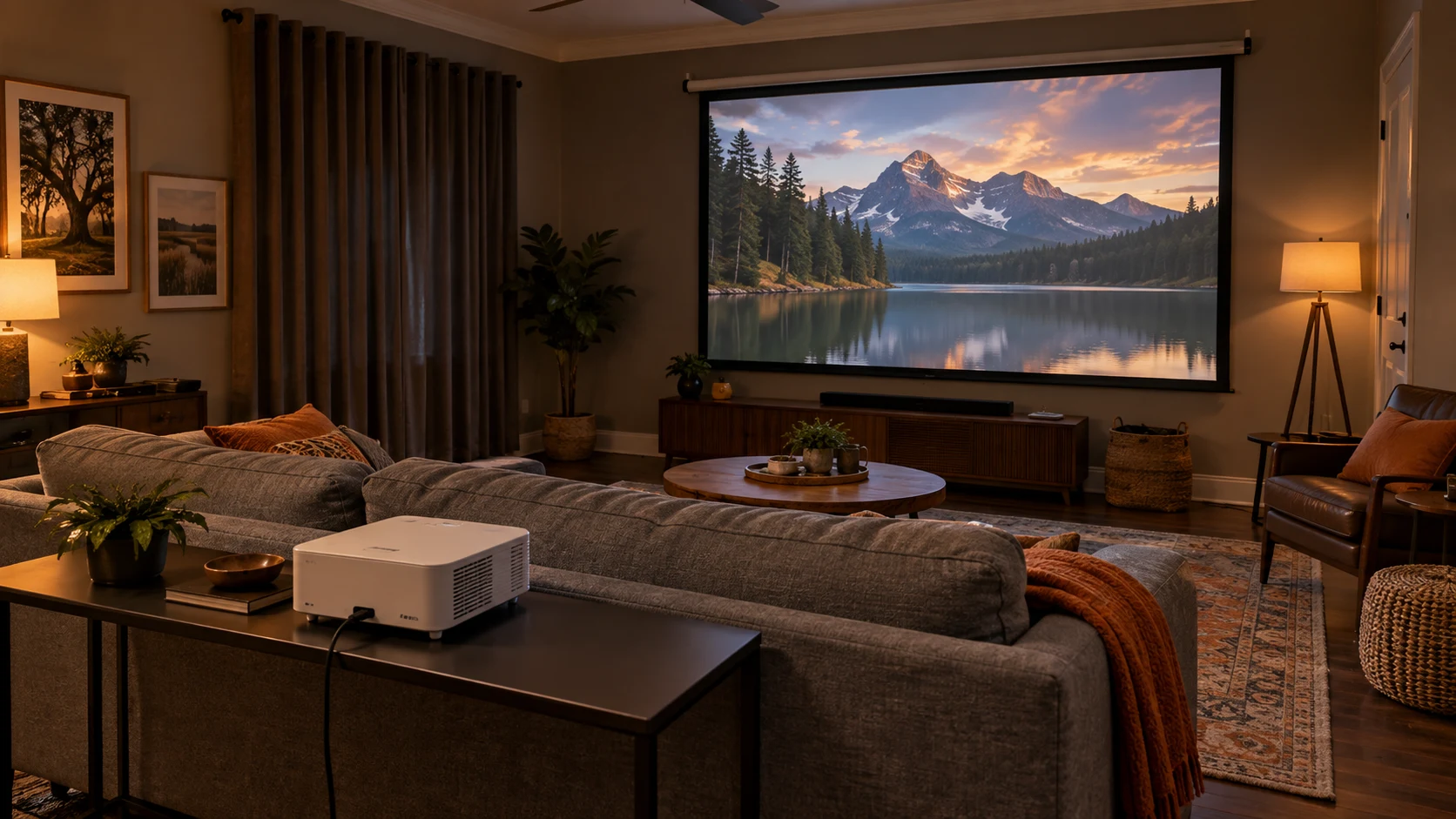
A 1080p setup can be enough for casual movie nights. Keep the first phase focused on a usable picture and sound; plan compatible upgrades later.
See an equipment example ↓Avoid a projector across the room. This is a different layout—not automatically the cheapest option. Cabinet dimensions and the right screen are essential.
See an equipment example ↓For a media room or a more immersive setup, plan permanent mounting, light control and surround sound together. This is an upgrade path, not the minimum requirement.
See an equipment example ↓Choose the projector and screen together. A smooth wall may work for a trial, but wall texture and color affect the image. Fixed-frame, retractable and UST-compatible screens serve different needs.
Measure screen width, seating and throw distance—the distance from lens to screen. Control daylight with curtains or shades; more brightness or an ambient-light-rejecting (ALR) screen does not make direct sunlight disappear.
Use a compatible streaming player, console or other source. Built-in apps vary by model. Plan power, HDMI and networking—Wi-Fi alone does not make the whole system wireless.
Some projectors have built-in speakers for a simple start. A compatible soundbar or receiver and speakers can add impact later. We check audio connections before recommending equipment.
Browse by product type
A closer look
Compare the options below. We confirm availability, compatibility and the right configuration for your project.
Start simple, go ultra-short-throw or plan a theater: explore real options for your room.
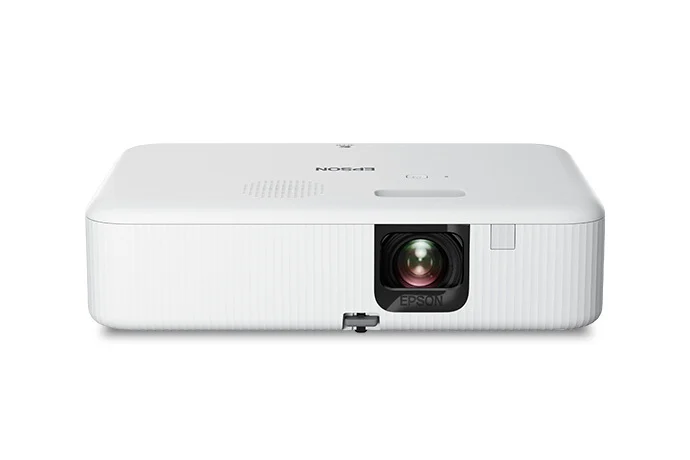
A simpler Full HD starting point
Explore movie nights without starting with a premium theater projector. This compact 1080p option can form the center of a straightforward setup.
Casual movie nights in a room with suitable placement and light control.
Portable does not mean battery-powered: AC power is required. This is not a 4K projector. We allow enough projection distance and plan the screen, connections and audio. Internet and subscriptions are needed for streaming; app availability can change.
Manufacturer details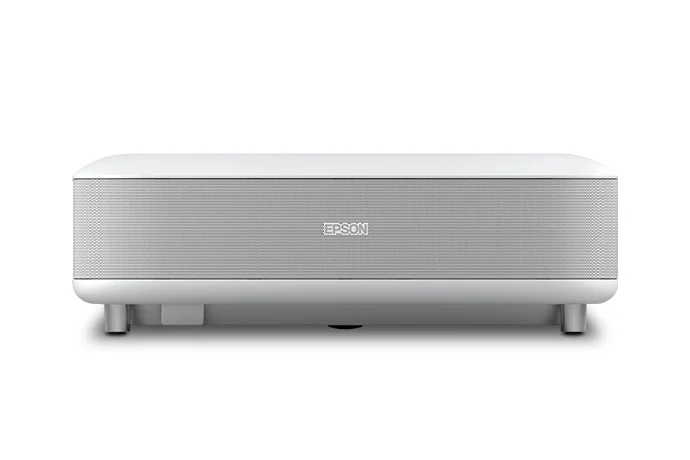
Ultra-short-throw living-room option
A different approach to a big picture: place the projector near the screen instead of across the room. Useful when an overhead installation is not the preferred route.
Living rooms with room for a correctly sized front cabinet and matched screen.
Epson specifies images up to 120 inches; actual size depends on measured placement. Screen is separate. A UST-compatible ambient-light-rejecting screen can help with room light, but does not eliminate it. Cabinet depth, height, screen flatness and alignment matter.
Manufacturer details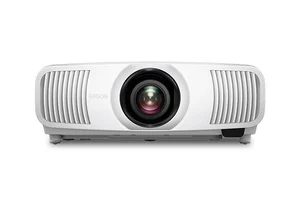
4K PRO-UHD laser projection
Bring a cinema-sized image home with a laser projector designed for movies, sports and compatible high-frame-rate gaming.
Media rooms with suitable throw distance and controlled ambient light.
Screen, mounting, cabling and sound are separate parts of the design. Picture quality depends on screen choice and room lighting; 4K/120 requires compatible sources and connections.
Manufacturer detailsWe look at room brightness, wall space, seating distance and how you watch. A larger projected image is not automatically a better fit for every room.
We can plan mounts, equipment placement and suitable cable routes. Wall construction, access and electrical requirements determine what is practical.
Your space. Your possibilities.
Tell us what you want to protect, enjoy or simplify. We’ll help choose the right equipment and plan the installation.